
Software as a Service( SaaS): A Comprehensive Overview
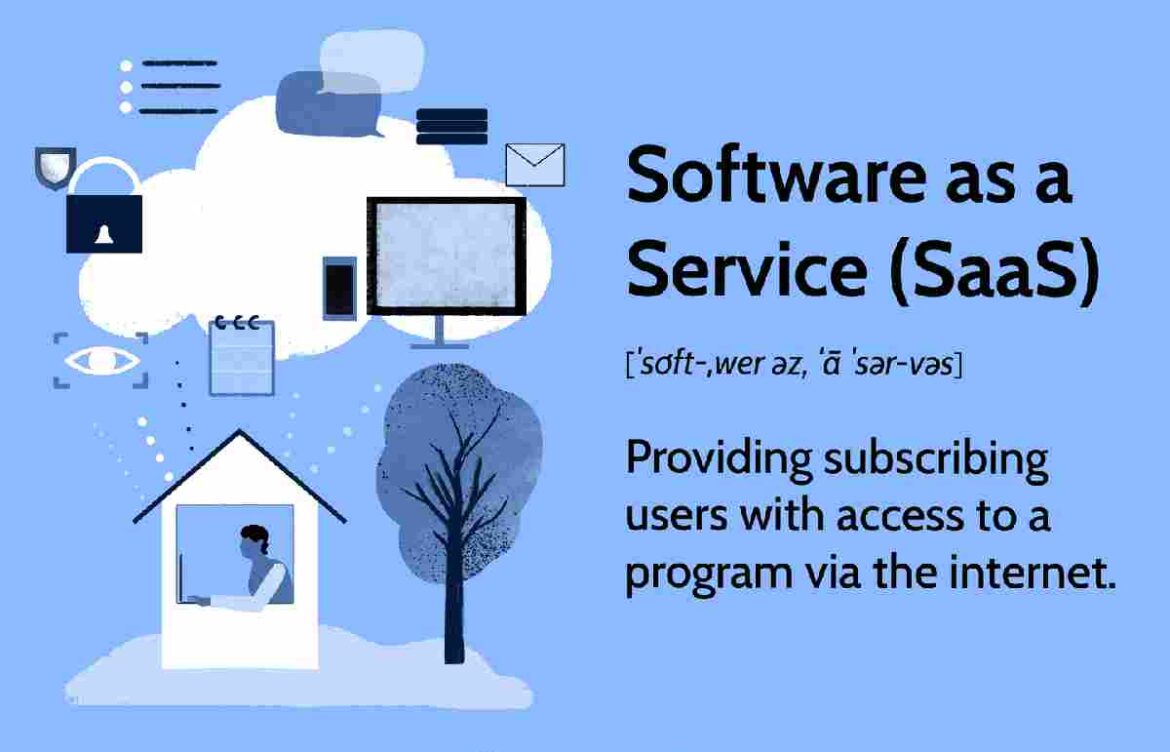
Software as a Service( SaaS) – Imagine you want to use a cool app like Google Docs or Zoom, but instead of downloading and installing it on your computer, you just open it in your web browser. That’s what Software as a Service, or SaaS, is all about! It’s a way to use software over the internet, and it’s super popular today. Let’s break it down so it’s easy to understand.
What is SaaS?
SaaS is like renting software instead of buying it. The software lives on the internet (in the “cloud”), and you access it using a web browser or an app. You don’t need to install anything on your computer or worry about updating it—the company that makes the software takes care of all that.
For example, think of apps like:
- Google Docs for writing and sharing documents.
- Zoom for video calls with friends or classmates.
- Canva for creating awesome posters or designs.
These are all SaaS apps! They’re easy to use, and you can access them from any device with an internet connection, like your phone, tablet, or laptop.
How Did SaaS Start?
SaaS isn’t brand new. Back in the 1960s, companies like IBM started using similar ideas, but it really took off in the late 1990s with companies like Salesforce. Today, SaaS is a huge industry because it’s so convenient for schools, businesses, and even regular people like you.
Key Features of SaaS
Here’s what makes SaaS special:
- It’s Online: The software runs on the internet, so you don’t need to install anything.
- Subscription-Based: You pay a small fee regularly (like monthly) to use it, kind of like a Netflix subscription.
- Automatic Updates: The company updates the software for you, so you always have the latest version.
- Use It Anywhere: As long as you have internet, you can use SaaS apps on any device.
- Flexible: You can add or remove features depending on what you need.
Why is SaaS Awesome?
SaaS has tons of benefits, especially for students like you:
- Saves Money: You don’t need to buy expensive software or fancy computers. A simple subscription is enough.
- Easy to Use: You can start using it right away—no complicated setup!
- Work from Anywhere: Whether you’re at school, home, or a friend’s house, you can access your apps.
- No Maintenance: The company handles all the techy stuff, so you don’t have to worry about updates or bugs.
- Grows with You: If you need more features (like extra storage for school projects), you can easily upgrade.
Examples of SaaS You Might Use
You probably already use SaaS without realizing it! Here are some popular ones:
- Google Workspace: For Docs, Slides, and Sheets to do schoolwork.
- Microsoft Teams: For chatting with classmates or joining online classes.
- Trello or Asana: For organizing group projects.
- Shopify: For people who want to start an online store.
- Slack: For messaging teammates on a school club or project.
Challenges of SaaS
SaaS isn’t perfect. Here are a few things to watch out for:
- You Need Internet: If your Wi-Fi is down, you can’t use SaaS apps.
- Privacy Concerns: Your data (like schoolwork or messages) is stored online, so you need to trust the company to keep it safe.
- Less Customization: You can’t always change the app to work exactly how you want.
- Costs Add Up: Subscriptions might seem cheap, but they can get expensive over time.
To stay safe, use strong passwords and make sure the apps you use have good security.
What’s Next for SaaS?
SaaS is always getting better! Here are some cool trends:
- Artificial Intelligence (AI): SaaS apps are adding AI to help with things like writing or analyzing data.
- Specialized Apps: There are SaaS apps made just for schools, hospitals, or stores.
- Better Security: Companies are working hard to protect your data from hackers.
- Eco-Friendly: Some SaaS companies are using green energy to run their servers.
FAQs About SaaS
- What’s the difference between SaaS, PaaS, and IaaS?
- SaaS is ready-to-use apps (like Google Docs).
- PaaS helps developers create apps.
- IaaS provides virtual computers and storage.
- Is SaaS safe?
- Yes, if the company uses strong security like encryption. You should also use strong passwords.
- Can I customize SaaS apps?
- A little, but not as much as software you install yourself.
- How much does SaaS cost?
- It depends on the app and how many people use it, but it’s usually a monthly fee.
Conclusion
SaaS makes using software super easy, affordable, and flexible. Whether you’re doing schoolwork, chatting with friends, or starting a small online business, SaaS apps are there to help. As technology grows, SaaS will keep getting smarter and more useful. Now that you know what SaaS is, you’re ready to explore all the awesome apps out there!