
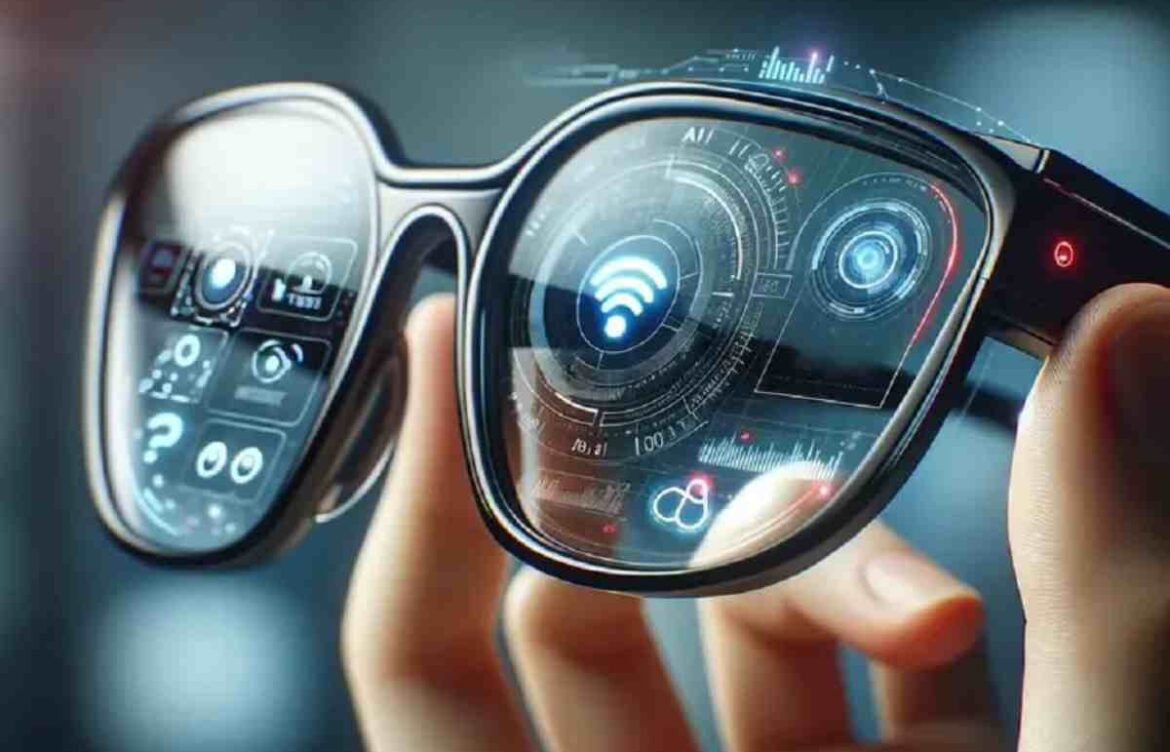
Smart Glasses – Complete Guide to Features, Types, Benefits, and Best Models
Fashion and functionality come together in the smart glasses. Others look like sunglasses and silently stream your podcasts; others superimpose a step-by-step guide and a technician fixes a machine; some also want to substitute the phones altogether. This longread is a guided tour of the technology in writing that works like has a set of evidence-based comparisons and finishes off with an example of a practical post-buying list and copy-ready text that you can get and paste into a blog.
Smart Glasses Overview
Smart glasses are wearable electronic devices that look like regular eyeglasses but include advanced technologies such as cameras, sensors, displays, and internet connectivity. They allow users to access digital information, take photos, make calls, and use augmented reality (AR) directly through their glasses.
What exactly are “smart glasses”?

Put simply: smart glasses are eyewear that combine traditional optics with electronics — sensors, microphones, cameras, displays, or speakers — to give you capabilities a normal pair of glasses can’t. The spectrum runs from:
- Audio frames: sunglasses with speakers for music and calls (no display).
- Camera/social frames: glasses with front-facing cameras for quick photos and video.
- AR display glasses: headsets that show text, icons, or simple graphics inside your field of view using waveguides, prisms, or micro-projectors.
- Tethered micro-display glasses: lightweight displays that pair to a phone or PC to create a private “big screen.”
Each type has a different value proposition, battery profile and social trade-off — and that matters more than any single headline spec.
Why smart glasses are interesting right now
Three forces are pushing the category forward:
- Miniaturization — displays, sensors and chips keep shrinking, so manufacturers can fit more into slimmer frames.
- Software ecosystems — companies that build robust SDKs and integration tooling make devices useful beyond a single demo.
- Specialized enterprise value — in warehouses, logistics, and healthcare, hands-free displays improve speed and reduce errors, producing real ROI that justifies higher device costs.
Those trends mean audio and camera glasses are already mainstream consumer products, while AR displays are finding traction first in business and prosumer niches. For example, waveguide AR devices aimed at professional use now emphasize developer tooling and prescription compatibility rather than social features.
Short primer on the core technologies
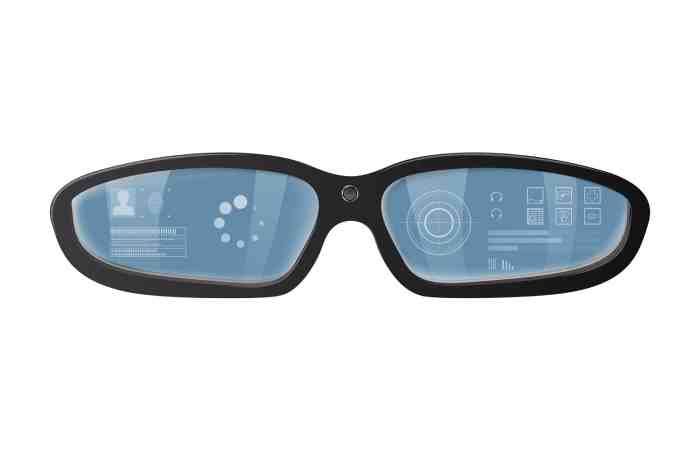
- Waveguides (in-lens displays): bend and guide light so a small engine can create a floating image near your eye; these power many single-eye AR products and are prized for brightness and color.
- Prisms / micro-projectors: alternate optical approaches to show information in one eye; common in enterprise HUDs like the Glass line.
- Open-ear audio / bone conduction: routes sound to your ears without blocking ambient noise — safer outdoors for situational awareness; used in premium audio frames.
- Onboard cameras & sensors: enable capture, barcode scanning, object recognition, and remote assistance — but raise privacy questions. (More on that later.)
Brand snapshots (short, source-backed reads)
Meta
Meta’s work with iconic eyewear partners has produced camera-enabled consumer lines and, more recently, display variants that lean into AR features and novel interaction methods (including EMG wristbands and gesture input on newer models). The company positions these as both lifestyle devices and a platform for light AR interactions.
Bose
Bose focuses on audio-first wearable design: polarized lenses, premium frames and “open” audio that keeps you aware of the world. That simplicity buys battery life and social acceptability at the cost of no visual overlays.
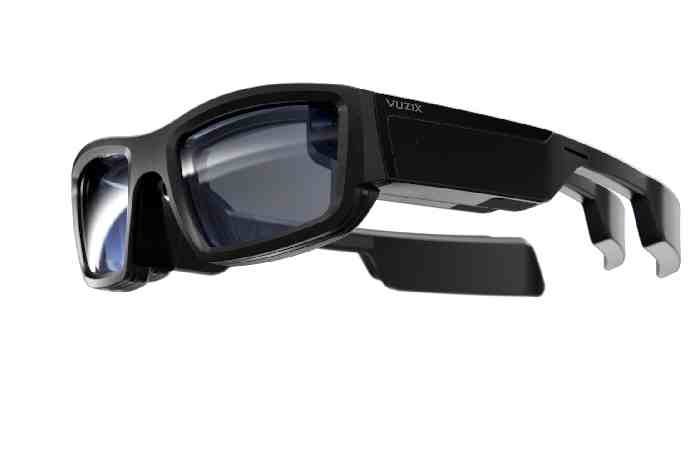
Vuzix
Vuzix targets prosumers and enterprise: waveguide displays, developer SDKs, and prescription inserts, all packaged in frames built for real-work environments. The Blade 2 is a clear example of waveguide AR built with field workers in mind.
Google pivoted its Glass project away from consumer buzz and toward enterprise. The Enterprise Edition 2 is optimized for hands-free workflows, lightweight wearability, and integration into managed corporate fleets.
Xreal
Xreal and adjacent players push “private screen” glasses for media consumption and gaming; recent industry news also points to gaming-first collaborations (higher refresh rates and larger apparent screens) aimed at gamers and commuters.
Deep comparison: pick the right family (detailed table)
Use this table to decide which family of smart glasses fits your needs. The next section contains a model-level spec table.
| Need / scenario | Choose this family | Why it fits |
| Long outdoor use, music & calls | Audio frames (Bose style) | Open-ear sound, long battery, low social friction. |
| Hands-free social capture, casual vlogging | Camera/social frames (Ray-Ban/Meta) | Fast capture, native social sharing, fashionable frames. |
| Field service, inspections | Enterprise AR (Google Glass, Vuzix) | Robust SDKs, MDM support, prescription options, enterprise fuel for ROI. |
| Watching movies / private big screen | Tethered micro-display (Xreal, similar) | Large virtual screen effect with lightweight hardware; great for travel or media. |
Model-level specs — real numbers you can use
Note: specs and pricing change often. Below are representative values pulled from manufacturer pages and product listings; use vendor links when you’re ready to buy.
| Model | Primary function | Display | Camera | Battery (typical) | Weight | Typical price (USD) |
| Meta Ray-Ban Display (new lineup) | Consumer AR / social | In-lens micro display (varies) | Yes | Varies by model (multi-hour) | Light, sunglasses form factor | $300–$600 (model dependent). |
| Bose Frames Tenor | Audio frames | None | No | ~5–5.5 hours music | Lightweight (sunglass) | $150–$250. |
| Vuzix Blade 2 | Pro AR | Right-eye waveguide, 480×480, ~20° FOV | Yes | Several hours (AR use) | Heavier than sunglasses | $799–$1,199 (varies). |
| Google Glass EE2 | Enterprise HUD | Small prism HUD, text/graphics | 8 MP | Shift-optimized (multi-hour) | Very light (~46 g) | Enterprise pricing / channels. |
| Xreal / gaming micro-display (announced gaming variants) | Private screen / gaming | Micro-OLED, high refresh (120–240Hz upcoming) | Mostly no | Depends on host device | Very light, tethered | $200–$600 (varies); gaming models may cost more. |
Real-world pros & cons
Audio frames
- Pros: Simple to use, good battery life, socially easier to wear.
Cons: No visual UI for navigation, maps, or AR overlays.
Camera/social glasses
Pros: Fast, hands-free capture; great for creators on the move.
Cons: People notice cameras; privacy friction and sometimes limited battery life.
Single-eye AR (waveguide)
Pros: Can show contextual info without blocking your view; prescription lenses supported by many models.
Cons: Narrower field of view than full headsets; battery and brightness tradeoffs; some content can feel “tacked on.”
Enterprise HUDs
Pros: Configurable, secure, integrated with business systems.
Cons: More expensive, require IT support and governance.
Privacy, safety and legal
Smart glasses amplify classic concerns in new ways:
- Recording & consent: Even if it’s legal to record in public, being candid about filming is the better social choice. Wearers should expect requests to stop and respect private settings.
- Workplace policy: Employers should write clear policies about where recording is allowed and how data is managed — enterprise devices usually include lockdown modes and MDM.
- Driving & cycling: Don’t use AR overlays for active navigation when controlling vehicles — it’s distracting and dangerous.
- Data hygiene: Treat captured video and transcripts like sensitive data: short retention, encrypted storage, and clear access controls.
Two simple rules for responsible use: (1) default to visible cues when recording, and (2) ask before sharing media of others.
FAQ
Q — Are smart glasses ready for everyday mainstream use?
A — Sort of. Audio and camera glasses are already mainstream for some users. Full AR glasses are very useful in enterprise and specialized prosumer niches, but mainstream everyday AR (glasses replacing phones) isn’t ubiquitous yet.
Q — Can smart glasses replace my phone?
A — Not yet. They can replace a few phone functions (calls, quick capture, glanceable notifications) but don’t yet match phones for full apps, typing, battery life, and privacy controls.
Q — Will they track my eye movements or do face recognition?
A — Some R&D prototypes include eye-tracking or vision features, but mainstream consumer devices generally avoid on-device face recognition because of legal and social pushback. Expect future devices to include more sensors, and watch privacy rules closely.
Final words
Smart glasses are entering into multi-product space: attractive low-risk consumer frames; camera frames to creators; and more robust AR headsets to business. The second and third great advances will be quality of display (the field of view will expand, the waveguides will be brighter), battery life and, most importantly, software ecosystem that will turn AR into the useful technology, not a gimmick.